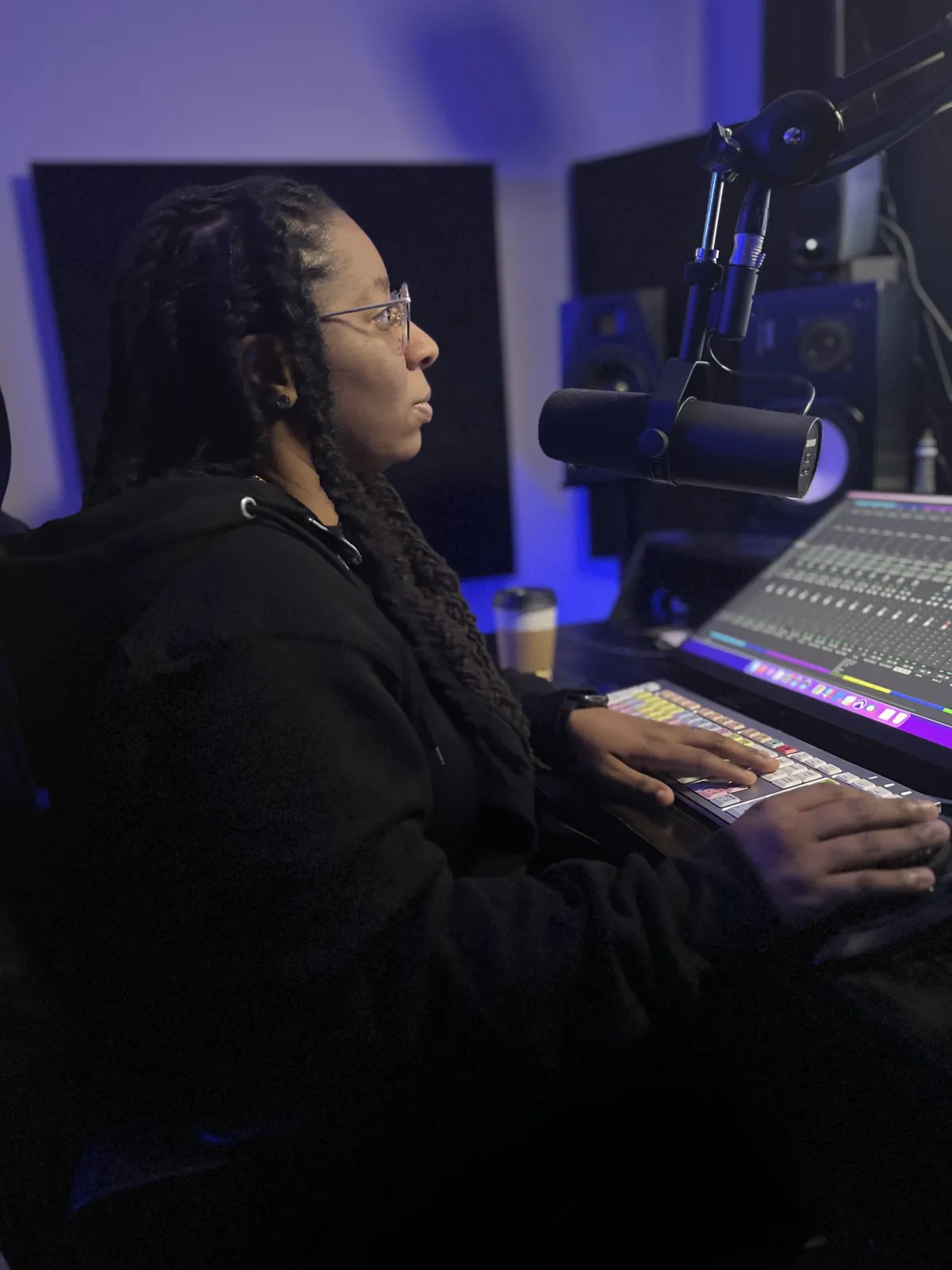
The quality of your mix starts before you ever send a file to your engineer. Whether you're working with Vivid Core Music in St. Louis or any professional mixing engineer, how well you prepare your session can dramatically affect the final result — and how quickly the engineer can do their best work. This guide walks you through exactly what to do before your mixing session.
What Is a Mixing Session?
Mixing is the process of blending all the individual recorded elements of your song — vocals, drums, bass, guitars, synths, effects — into a single, cohesive audio file. A skilled mixing engineer balances levels, shapes tones with EQ, controls dynamics with compression, and places sounds in the stereo field (or Dolby Atmos 3D space) to create a professional, release-ready track.
Step 1: Export Your Stems Correctly
The most important thing you can do before a mixing session is export your individual stems (separate audio files for each instrument/track) correctly.
- Export as WAV or AIFF — not MP3. Compressed formats degrade quality and can't be recovered in the mixing process.
- Match the original sample rate and bit depth — typically 44.1kHz or 48kHz, 24-bit. Don't convert or change these settings during export.
- Export from bar/beat 1 — all tracks should start from the same point in the timeline so everything lines up perfectly when imported.
- Remove all processing from master bus — make sure your master fader has no compression, limiting, or EQ on it. Your engineer needs a clean starting point.
- Name your files clearly — "Lead_Vocal_Hook.wav" is better than "Audio_Track_07.wav".
Step 2: Organize Your Session
Before exporting, clean up your DAW session:
- Delete any unused tracks or muted elements you don't want in the final mix
- Label every track clearly (lead vocal, background vocals, 808, hi-hats, etc.)
- Group related tracks if your DAW supports it
- Note the BPM and key of the song — include this in a text file with your stems
Step 3: Include Reference Tracks
A reference track is a professionally mixed and mastered song that represents the sound you're going for. Send 1–3 reference tracks with your stems so your engineer understands your sonic vision. Reference tracks save time and prevent miscommunication.
Step 4: Write Down Your Notes
If there's something specific you want — a certain amount of reverb on the vocals, a particular energy in the drop, a certain vocal balance — write it down and include it with your files. The more context your engineer has, the better the mix will serve your vision.
What About Beats You Bought Online?
If you recorded your vocals over a purchased instrumental, send the full beat file in WAV format, not MP3. If the beatmaker offers trackouts (stems for the beat itself), those give your engineer far more flexibility to craft a premium mix. Reach out to the producer to see if trackouts are available.
How to Deliver Files to Vivid Core Music
Vivid Core Music accepts stems via file transfer. Contact the studio at vividcoremusic.com or call (314) 916-4450 to discuss file delivery options before your session. Sessions are available by appointment, 8AM–10PM, 7 days a week at 4433 Woodson Road Suite 240, St. Louis, MO 63134.
Frequently Asked Questions
What sample rate and bit depth should I use for mixing?
The standard is 44.1kHz / 24-bit for music. If your project was recorded at 48kHz, export at 48kHz — don't convert. Your mixing engineer at Vivid Core Music will advise based on your specific project.
Should I include my beat as a single file or split into stems?
If you have access to individual stems, send those. If you only have the full beat as a stereo file, send that — your engineer will work with what's available and get the best possible result.
Can I mix remotely with Vivid Core Music?
Yes. Vivid Core Music works with artists both locally in St. Louis and remotely. Contact the studio to discuss your project and how to send your files.
Do I need to master my track separately after mixing?
Yes. Mixing and mastering are separate processes. After your mix is finalized, mastering prepares the track for distribution across all platforms and devices. Vivid Core Music offers both services.


